About 5 minutes
Export Obsidian notes to Word with citations
Run the Export note with citations command.
You need Lesson 3 (Draft with citations and citation engine)Zotero (Open on this computer)
You end with
A Word draft with formatted citations and bibliography
Step 1 of 5Get the draft ready to send
You should see
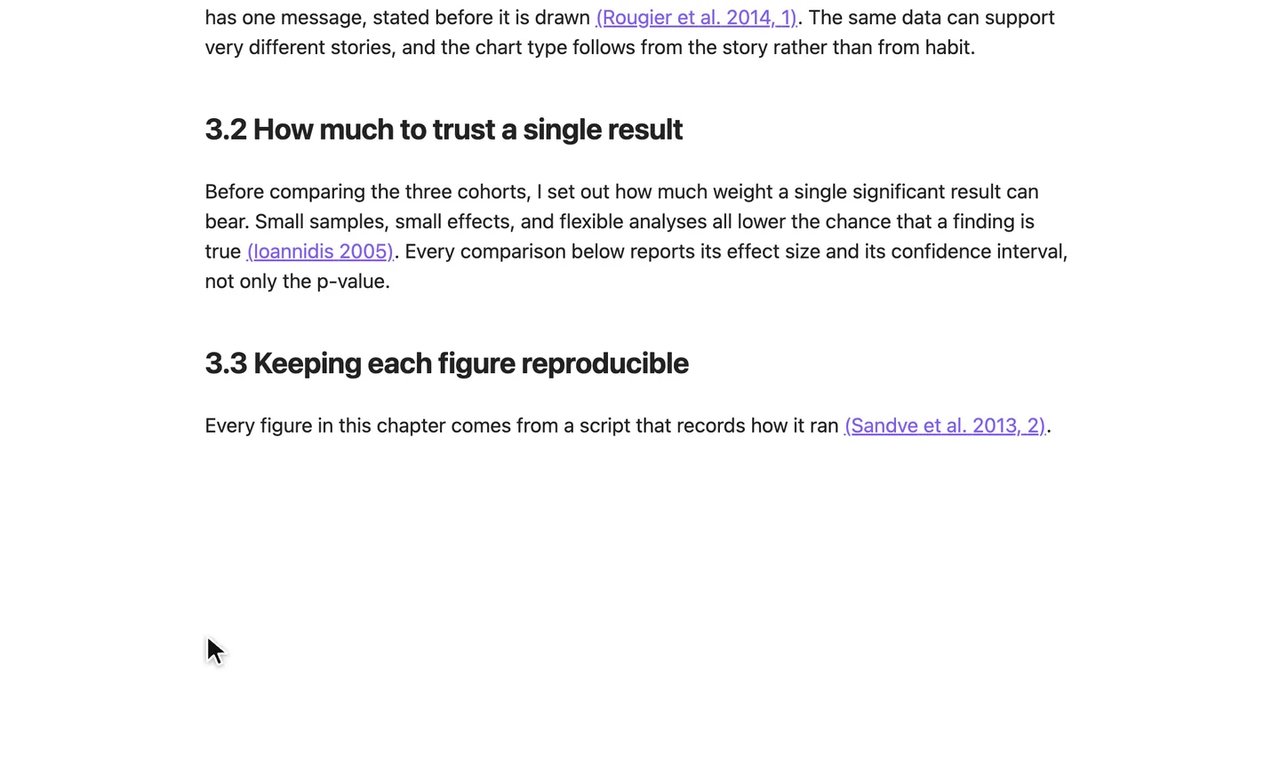
The draft contains only what you want in the Word file.If you see something else
Step 2 of 5Open the export dialog
You should see
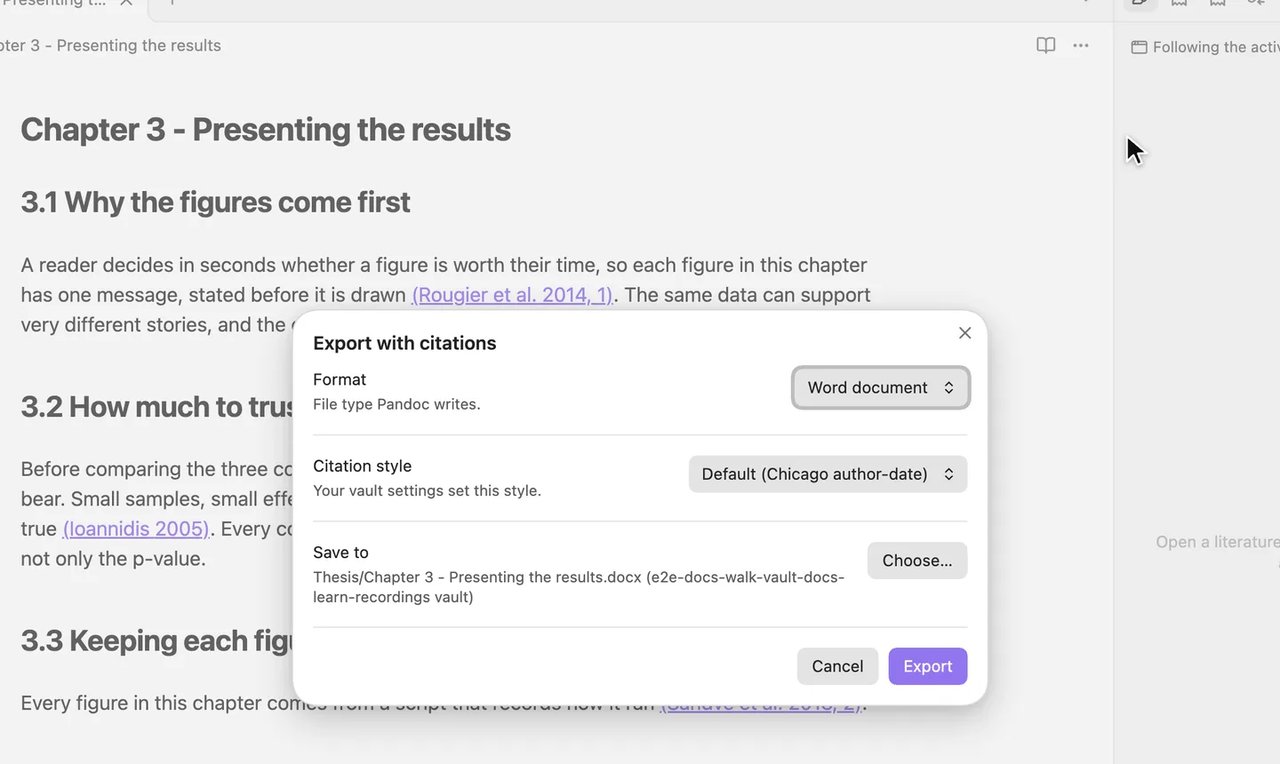
The dialog Export with citations opens with Format set to Word document.
If you see something else
Step 3 of 5Choose the citation style
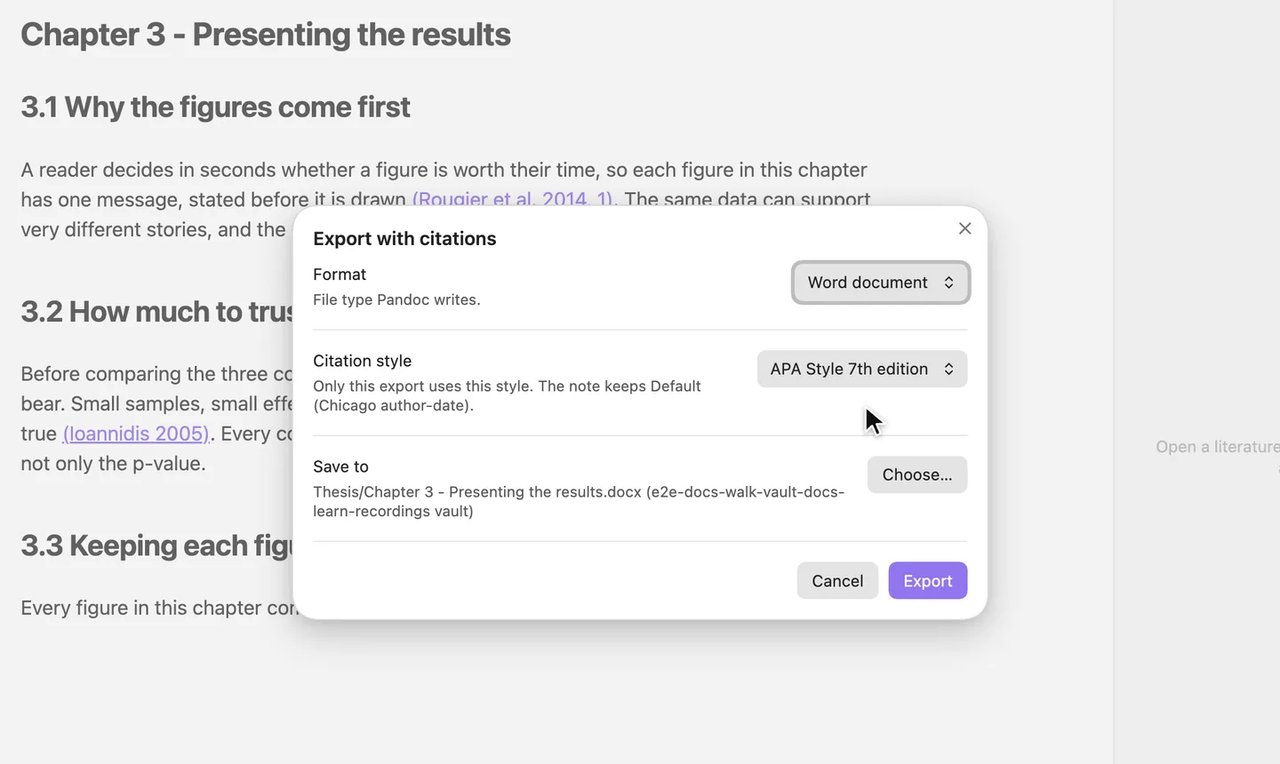
You should see
The line under the setting reads
Only this export uses this style. The note keeps Default (Chicago author-date).If you see something else
The style is not in the list
Install the style in Zotero and reopen the dialog.
Step 4 of 5Export
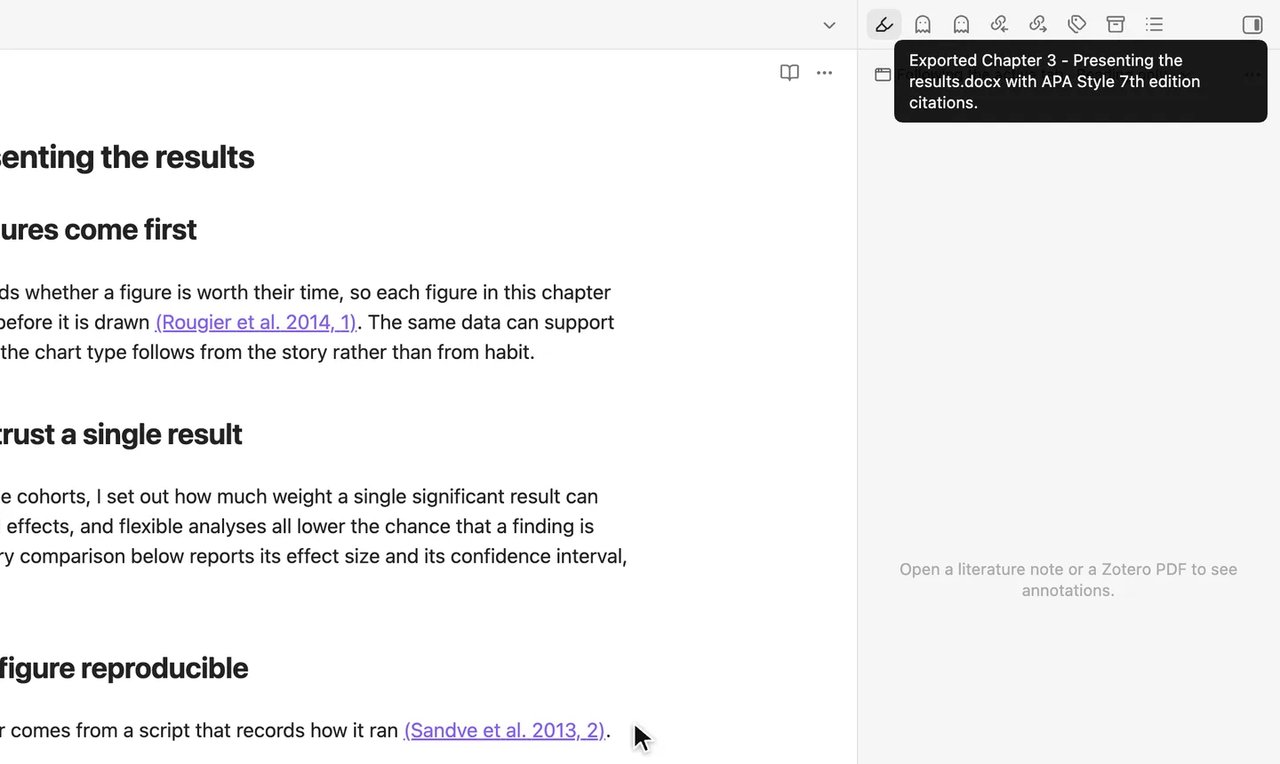
You should see
The notice names your draft's Word file (here
Exported Chapter 3 - Presenting the results.docx with APA Style 7th edition citations.).
If you see something else
Step 5 of 5Open the Word file
You should see
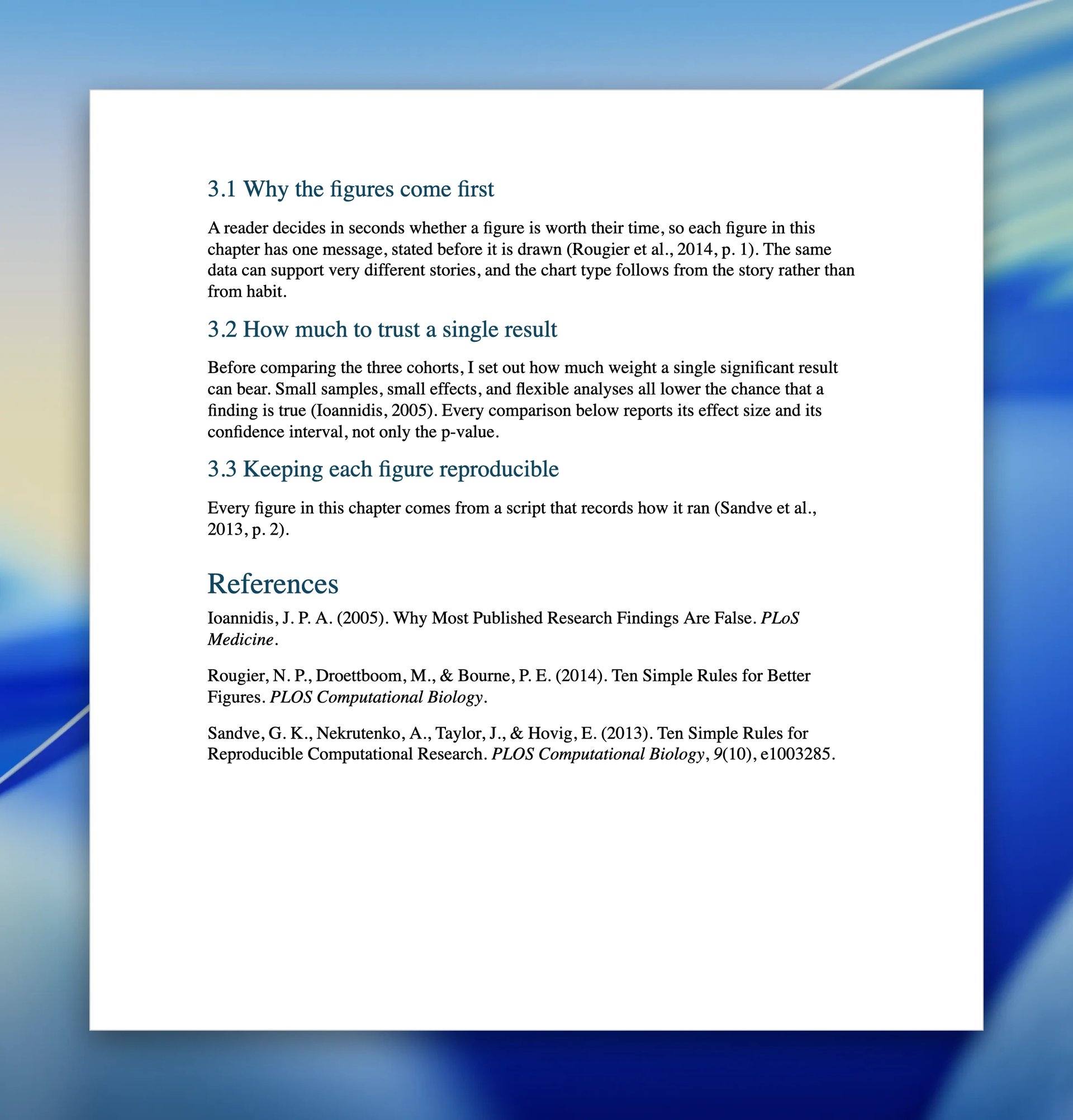
The Word file shows formatted citations such as (Sandve et al., 2013, p. 2) and a References list.
If you see something else
Lesson 4 complete
You can now export drafts to Word with formatted citations and references.
Two more chores
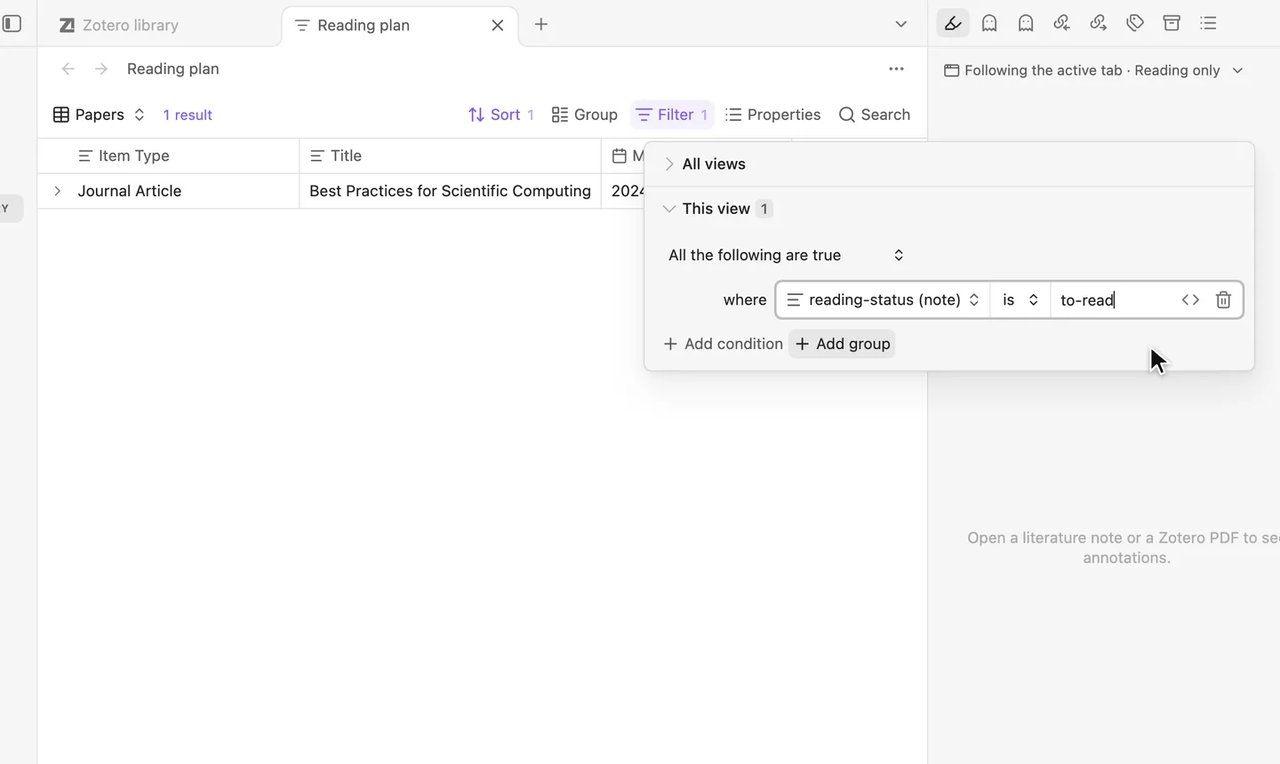
“My reading list lives in a separate file”
Track your Zotero reading list in Obsidian
About 10 minutes